
New console day is exciting and mildly overwhelming in equal measure. Here’s exactly what’s in the box, and the fastest path from opening it to actually playing.
What’s in the box
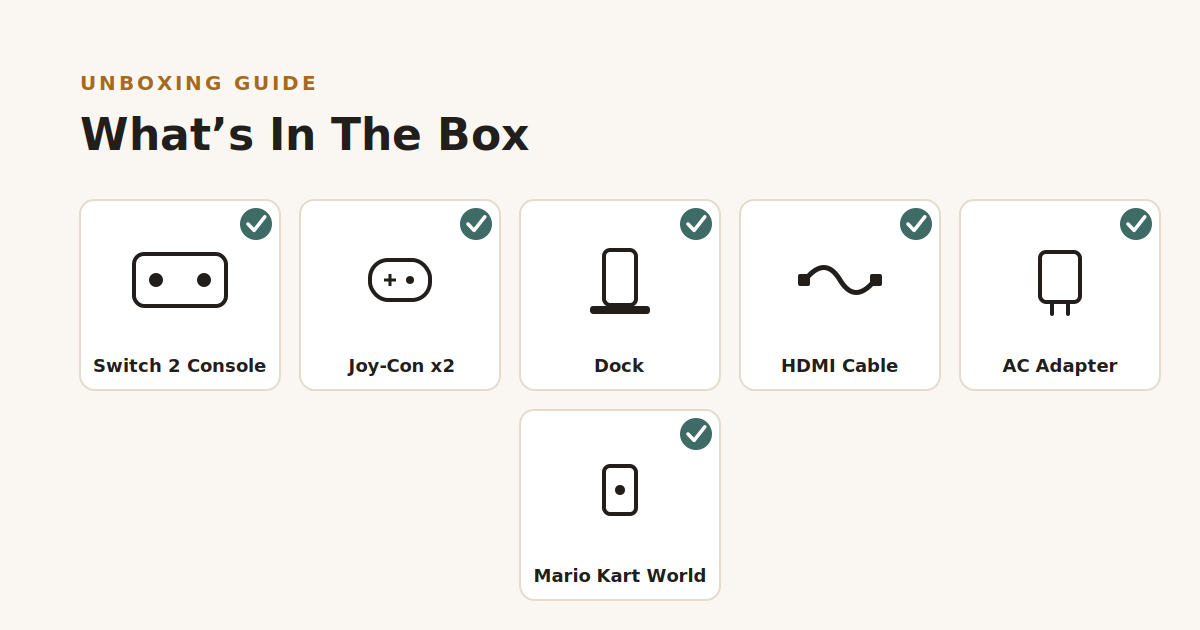
- Nintendo Switch 2 console
- Mario Kart World game
- Joy-Con controllers (left and right)
- 2x Joy-Con straps
- Nintendo Switch dock
- Joy-Con grip
- AC adapter
- High-speed HDMI cable
- Safety guide / quick start guide
Nothing extra to buy to get playing on day one — the bundle covers docked play (TV), tabletop, and handheld out of the box.
Setting it up: the fast version
1. Set up the dock. Connect the AC adapter to the dock, connect the dock to your TV via the included HDMI cable, and plug it in near the TV.
2. Attach the Joy-Con. The Switch 2’s Joy-Con controllers attach magnetically rather than sliding on rails like the original Switch — line them up against the sides of the console and they’ll click into place on their own.
3. Dock it and power on. Slot the console into the dock, switch your TV to the right HDMI input, and the console will power on automatically. Follow the on-screen setup — Wi-Fi, region, and account sign-in.
4. Update before you play. Let the console run its first system update before doing anything else — this can take several minutes but saves problems later, especially for a launch bundle.
5. Insert Mario Kart World and go. If it’s a physical cartridge, it’s a small card that slots into the top edge of the console; if it’s included as a digital download code instead, redeem it from the eShop using the code in the box.
One feature worth knowing about before you start
The new Joy-Con have a “C” button that activates GameChat — built-in, headset-free voice chat and screen sharing with friends. Worth exploring early if this console is going to a household with more than one player, since it changes how multiplayer sessions work compared to the original Switch.
Ready to grab one?
Full specs and pricing are on the Nintendo Switch 2 + Mario Kart World Bundle product page — currently £494.95.
